Uniview 8MP Owlview+ hybrid-turret VF mic/spk/light
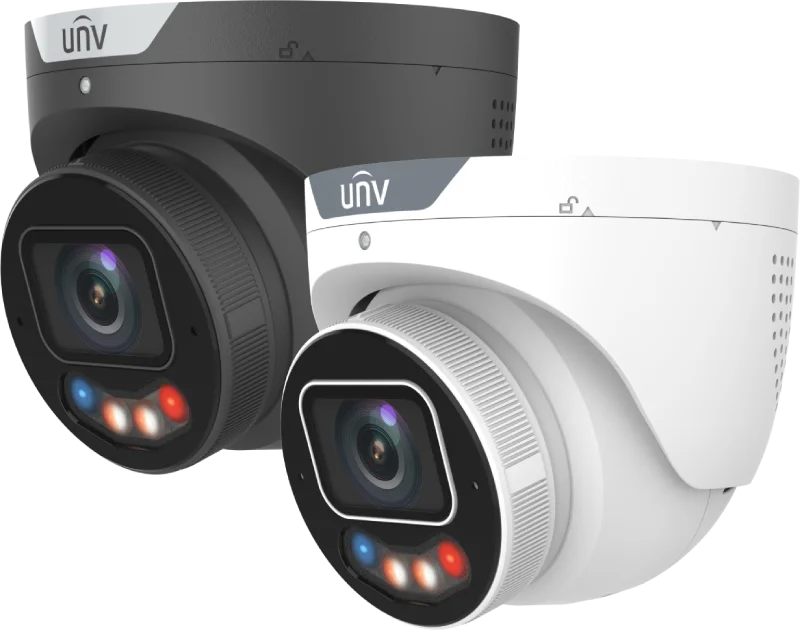
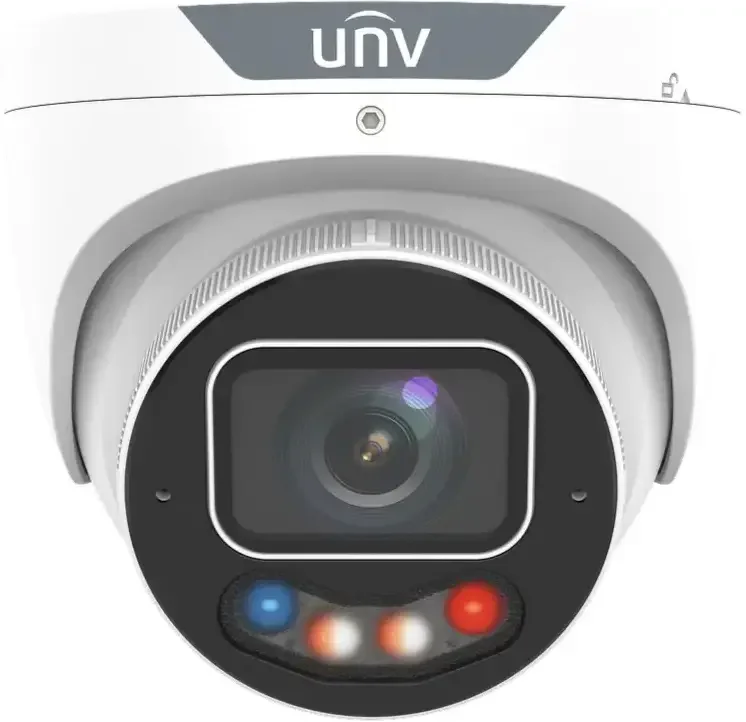
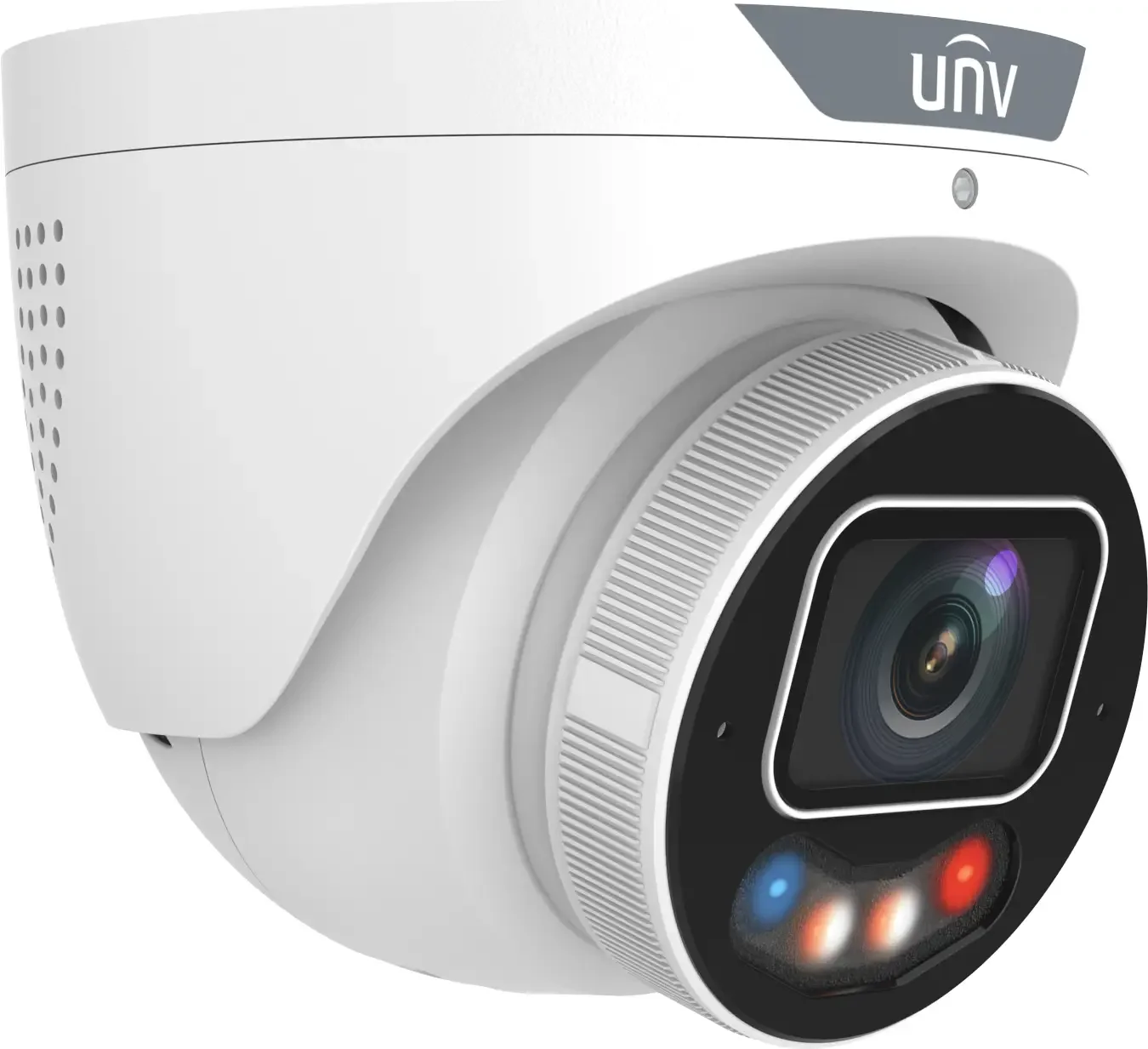
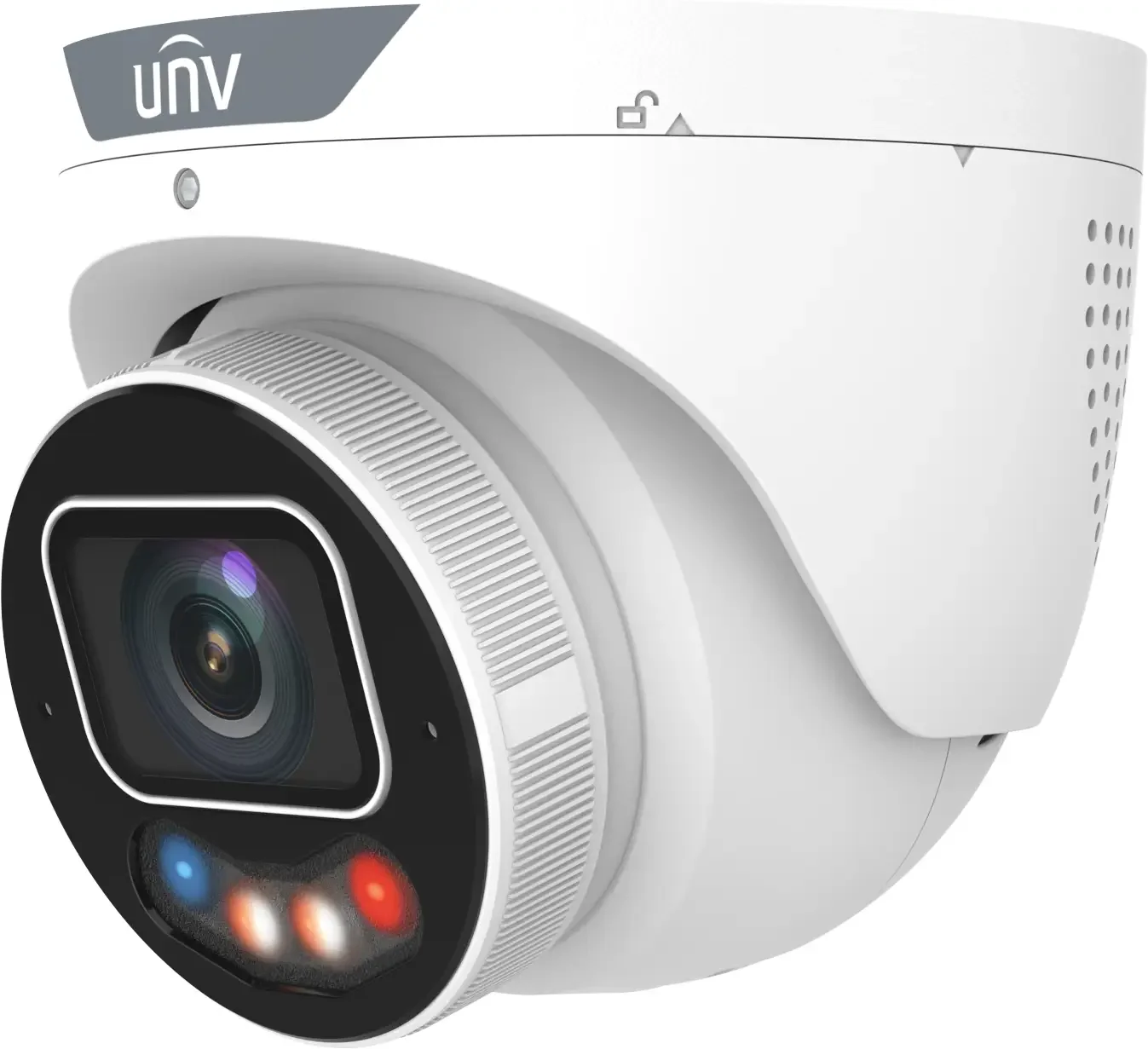
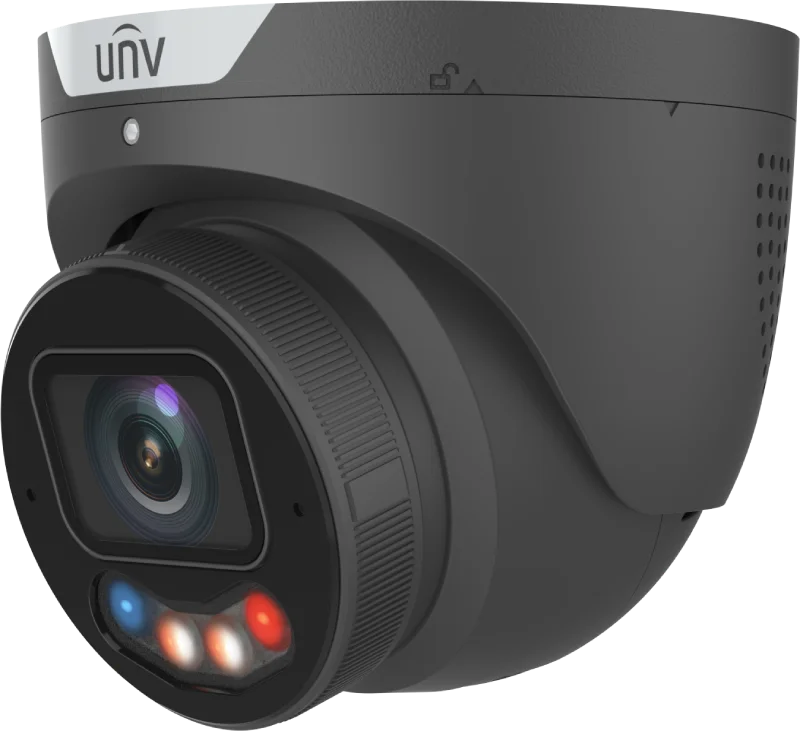
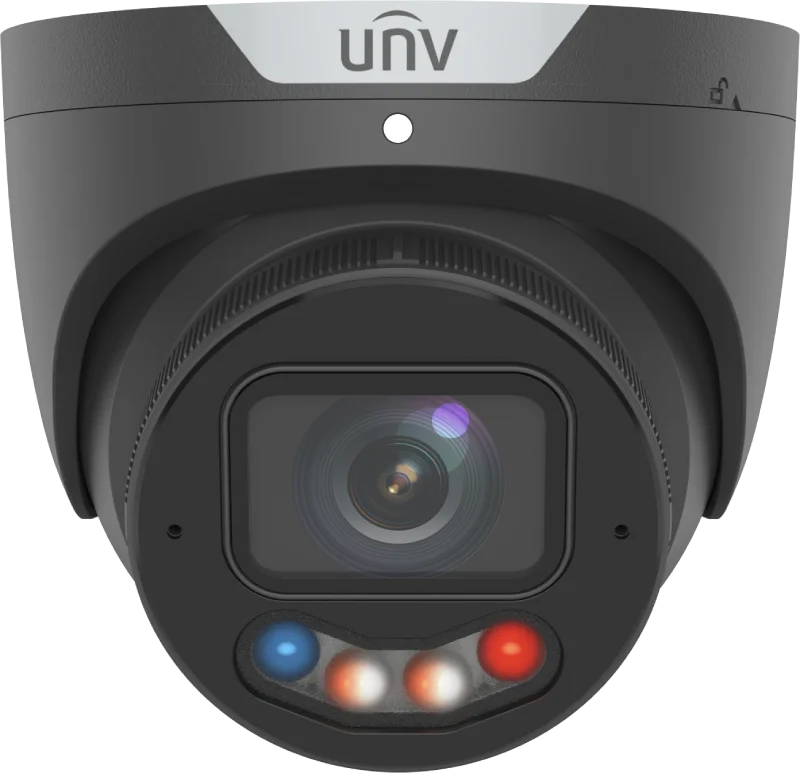
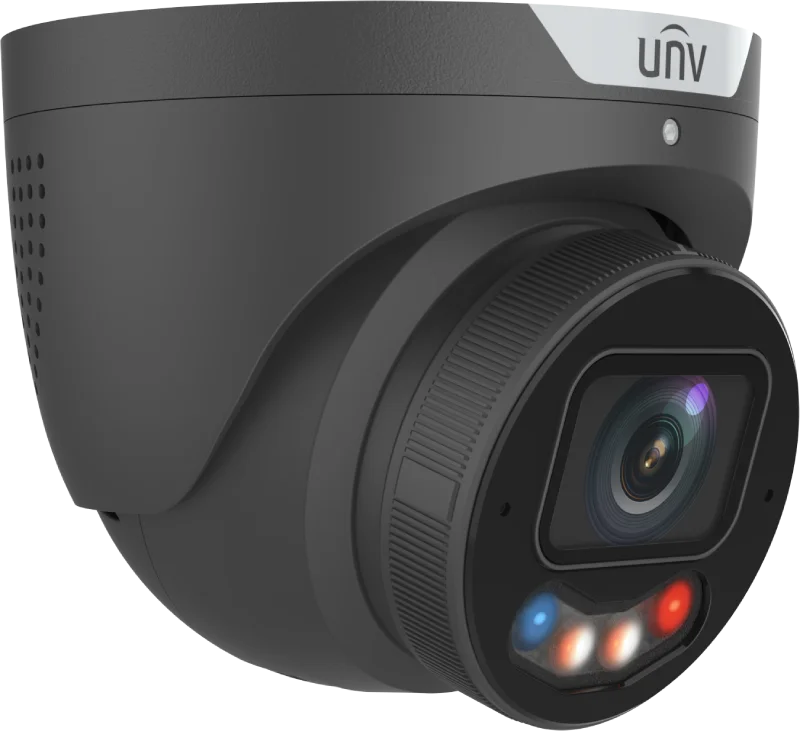


The next generation of Uniview’s impressive Tri-guard cameras, packed with the latest features
- 4K camera in impressive quality delivers fantastic images
- hybrid light package, discreet IR - 24/7 color with LED and hybrid mode that combines the best of both modes.
- motorized lens provides optical zoom: 111.5° - 54.1°
- smart recognition of people and vehicles reduces false detections
- can be added to any recorder or run standalone with an SD card.
- strobe can flash as a warning & speaker can emit siren sounds or voice messages
- built-in 2* microphones allow audio recording and live audio monitoring while noise is reduced
The camera can handle almost any type of task. If you’re unsure what to choose, this is the solution!
• High quality image with 8 MP, 1/1.8" CMOS sensor
• Features an F1.2 large-aperture lens
• 8 MP (3840 × 2160)@30/25 (default) fps; 5 MP (3072 × 1728)@30/25 fps; 4 MP (2560 × 1440)@30/25 fps; 1080P (1920 × 1080)@30/25 fps
• Ultra 265, H.265, H.264, MJPEG
• ColorHunter with Wise-ISP technology ensures 24-hour full-color images
• Intelligent perimeter protection, including cross line, intrusion, enter area, leave area detection
• Based on target classification, smart intrusion prevention significantly reduces false alarm caused by leaves, birds and lights, accurately focusing on human, motor vehicle and non motor vehicle
• Intelligent people flow counting and crowd density monitoring
• Smart intrusion prevention with color retrieval
• ASM (auto scene match)
• 130 dB true WDR technology enables clear image in strong light scene
• Supports 9:16 corridor mode
• Alarm I/O: 1/1, audio I/O: 1/1, built-in mic and speaker
• Smart IR, up to 30 m (98.4 ft) IR distance
• White light, up to 30 m (98.4 ft) warm light distance
• MicroSD, up to 512 GB
• IK10 vandal resistant and IP67 protection
There is no reviews yet. Be the first to write us your opinion
Den professionelle måde at levere strøm, til et PoE-kamera, er gennem netværkskablet.
På den måde behøver man kun at trække et enkelt kabel til hvert kamera - og skal ikke døje med 230V og små strømforsyninger.
Strømmen til kameraet leveres gennem netværkskablet fra enten...
- en optager med indbygget PoE, også kaldet NVR. Et typisk valg for installationer op til og med 8 kameraer.
- en PoE-switch. Populært fortalt en fordelerdåse til netværkskabler. Det typiske valg på store installationer eller hvis man ønsker fleksibel kabelføring.
- en PoE-injector. Kan kun levere strøm til et kamera.
Af samme grund følger der ikke strømforsyning med PoE-kameraer. Du kan bestille en klassisk strømforsyning her, hvis du ikke ønsker at benytte PoE.
Efficient 4K camera that works for most tasks thanks to the variable lens
This is the kind of camera most installers keep in the van because it covers about 95% of jobs. It can zoom out for overview shots, but also zoom in to capture crisp details at a distance.
Turret camera
A turret camera is great for both indoor and outdoor use. It’s roughly the same size as a dome camera but needs much less maintenance, which usually gives better night images compared to dome cameras with glass covers.
We almost always recommend turret cameras for outdoor mounting if they’re installed under 4 meters in height.
Variable lens
A variable lens basically means you can change the camera’s angle to suit different situations. This type of camera has a small motor for zoom and focus, so you just point the camera roughly in the right direction and then adjust zoom and focus from your phone or computer. In the datasheet you can see the camera’s F.O.V. (Field Of View) in degrees when fully zoomed out and fully zoomed in. The datasheet is available on this page.
The variable lens is set up on the installation day and usually doesn’t need readjustment unless the camera is moved or rotated.
“When I worked as a technician, I always had cameras with variable optics in the van in case the customer needed an extra one or during replacements, because they can be adapted to almost any task” - Christian, technician
Motion detection (motion-activated recordings)
The camera has motion detection, which lets you configure it to register movement only in selected areas of the image. Motion detection can start recordings and send notifications to your phone, but we always recommend using intelligent analytics (VCA) to trigger alerts. Feel free to call us if you want to learn more about VCA.
Intelligent smart camera (VCA)
The camera is packed with AI that actively helps you get the exact recordings you need. The datasheet lists the types of intelligence the camera supports. You can find the datasheet in the "downloads" tab above.
These algorithms don’t require the camera to be online — they work even if the camera isn’t connected to the internet — but you need to configure them yourself from a computer. Remember you can hire a technician if you want help setting up these analytics.
Person detection
The camera includes advanced analytics that can detect people separately from other object types. For example, it can send an alert when a person enters an area you’ve set the camera to protect.
It’s typically used together with rules like line-cross, intrusion, etc. If you want to know more about these rules, read about VCA rules or give us a call at 70701009.
Vehicle detection
The camera can also classify vehicles in the same way as people. You can create rules or notifications that apply only to vehicle detections, often combined with VCA rules. If you need license plate cameras, we can help with that too — just call or check the “license plate cameras” menu.
Face detection
Face detection, or Face Capture, lets the camera capture faces that appear in the image. This is useful for creating a “prohibited list” album with all faces recorded within a chosen time period. It can be combined with face recognition features in recorders that support face comparison, like Uniview’s IQ recorders.
Mobile access from anywhere
Access the camera worldwide with a free app. Whether you use a network video recorder (NVR) or run the camera standalone, you can use it on your phone, tablet and computer without a license. It doesn’t require router or firewall configuration because a secure VPN is established between the camera and your phone, so you don’t need to remember or change IP addresses like in the old days. Just remember your username and password — even when you change phones.
From the app you can download recordings and share them via email, cloud storage, etc. You can also grant and revoke access for your contacts directly from the app.
Recordings on NVR & SD card
The camera can record to a network recorder and an internal memory card (micro-SD card, not included), or both at the same time. Regardless of model, you can view recordings directly on your mobile or tablet.
You can choose continuous 24/7 recording, motion-triggered recordings, or recordings triggered by smart events (intelligent analytics). If needed, it can also upload images to an FTP server or a network drive. You decide which recording types to use and schedule them as needed.
The camera also supports pre- and post-event recording, typically saving about 5 seconds before a motion event and 30 seconds after it ends.
Recordings can be overwritten
- when there’s no more space
- after X number of days
- or stop recording when space runs out.
On a recorder, recordings can be played back via the local interface, via HDMI, from a PC or from the app on phones and tablets.
2 x Microphones
The camera has two built-in microphones so you can listen to and record the area around the camera. It can be used to document conversations in a meeting room, record intruders’ voices, etc. The reason for two microphones is wind and background noise suppression.
What does the law say about audio recordings?
Legally, audio recording requires that at least one person in the room is aware that audio is being recorded. This can be handled with signage or by having a person responsible for monitoring present.
Image enhancement
Image quality, especially in poor conditions, is where professional cameras usually outperform cheaper models. This surveillance camera includes several advanced image-enhancement technologies to deliver better images in challenging conditions.
- WDR (Wide Dynamic Range) combats backlight by boosting dark areas and limiting overexposure in bright areas.
- BLC (Back Light Compensation) is another way to adapt to lighting conditions and lets you choose an area where the light should be adjusted.
- HLC (Head Light Compensation) improves images when exposed to direct light from headlights.
- Region Of Interest (ROI) lets you allocate resources to a specific, important area of the image.
- White balance provides natural colors in different lighting environments, such as fluorescent or incandescent light.
- Noise reduction lets you smooth the image if it appears too grainy.
OSD
On Screen Display is the text shown on the camera’s image. You can change where date and time appear, name the camera, add custom text and more. On Uniview cameras you can also add an image overlay like lines, logos, etc.
Discrete infrared night vision and color at night
One cool and rather unique thing about this camera is the ability to configure it exactly how you want in the same device. Infrared night vision that’s invisible to the human eye, or white light that gives you vivid color images at night — you choose.
It gets even better: the camera can run with invisible (IR) night vision so it doesn’t reveal its position or bother neighbors. When a person or vehicle enters your property (or the area you’ve marked), it switches to white light.
That gives you three great benefits for a security solution
- You get color on the subject, so it’s not just a gray figure getting out of a gray car — color can be hugely valuable in investigations.
- The person will most likely look up at the camera when the bright light turns on, which increases the chance of a good face image.
- There’s a strong deterrent effect when the camera signals and reacts to an event.
Remember, this can be combined with push notifications to your phone or a relay signal, etc.
ANR
Automatic Network Replenishment (ANR) is a feature that protects against recorder theft by providing a backup function via an SD card in the camera. When ANR is enabled, if the camera loses connection to the recorder it starts recording directly to the SD card. As soon as the recorder comes back online, recordings on the SD card that are missing from the recorder are synchronized. It also significantly extends SD card life.
And it doesn’t have to be the cleaner unplugging the recorder — it could be a theft of the recorder. The recordings that would otherwise be lost are still available from the camera.
H265
The latest and most efficient video compression protocol for surveillance is H265, and it actively protects your network and storage. Compression happens automatically and compared to the previous protocol, H264, the improvements are significant.
In short, H265 reduces network load and allows many more hours of recordings on the hard drive.
Leading surveillance manufacturers have gone further with even more efficient codecs. Some call it “H265+”, others “Ultra H265/U-code”.
Comparing H264 with “Ultra H265,” you can save up to 75% of required capacity. That means what used to require four drives (H264) can now fit on one drive (H265 U-code).
ONVIF
ONVIF is a common protocol that allows equipment from different brands to work together. So you can, for example, use a camera from manufacturer “X” with a recorder from manufacturer “Y”. It’s also compatible with third-party software like Arcules, Eagle Eye, Milestone, etc.
Using ONVIF-compatible gear gives you flexibility and makes it easier to adapt future systems.
Blanking zone
Blanking zone, covered area, privacy mask, masking, etc., are all names for the feature that lets you mask part of the image that must not be seen or recorded.
Once the area is drawn, it’s easy to toggle it on and off with a checkbox, but if it’s been enabled it cannot be removed from a recording.
A powerful tool when you need to comply with regulations.
Vandal-proof IK10
This camera is IK10 rated, which means it’s classified as vandal-resistant. It’s still a good idea to mount the camera at a height where it’s hard to reach and protect or hide the cable so it can’t be cut. If you can’t hide the cable connection in the wall or under an eave, we recommend buying a bracket to protect the connection.
Power and PoE
The camera can be powered two ways: PoE or 12V DC. Most people choose PoE today because it delivers power from the switch or recorder. Just make sure you use a switch or recorder that supports PoE.
If you can’t run a network cable to the camera or want to use a switch without PoE, that’s fine — the camera can also be powered with a 12V power supply.
PoE typically reaches about 70 meters (CAT6), but there are ways to extend the distance. For example, you can daisy-chain multiple switches to extend reach, and some manufacturers have technologies to extend distance further. Contact us if you need to connect a camera beyond 70 meters.
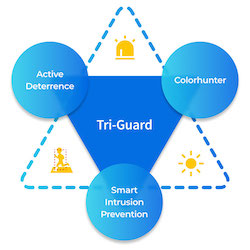
Tri-guard
Tri-Guard is designed to prevent crimes at night - but in addition to warning when things happen, the camera also gives you color footage in low light.

Power over Ethernet
ONVIF full member
1

NDAA Compliant
That means the equipment may even be used in critical infrastructure installations in the USA.
Tri-guard
Power over Ethernet
ONVIF full member
Den professionelle måde at levere strøm, til et PoE-kamera, er gennem netværkskablet.
På den måde behøver man kun at trække et enkelt kabel til hvert kamera - og skal ikke døje med 230V og små strømforsyninger.
Strømmen til kameraet leveres gennem netværkskablet fra enten...
- en optager med indbygget PoE, også kaldet NVR. Et typisk valg for installationer op til og med 8 kameraer.
- en PoE-switch. Populært fortalt en fordelerdåse til netværkskabler. Det typiske valg på store installationer eller hvis man ønsker fleksibel kabelføring.
- en PoE-injector. Kan kun levere strøm til et kamera.
Af samme grund følger der ikke strømforsyning med PoE-kameraer. Du kan bestille en klassisk strømforsyning her, hvis du ikke ønsker at benytte PoE.