Powerline Gigabit adapter kit for networking through power outlets
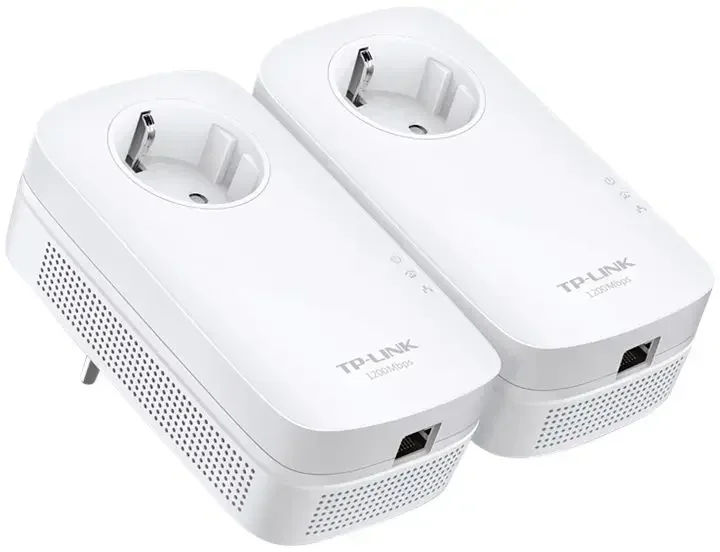
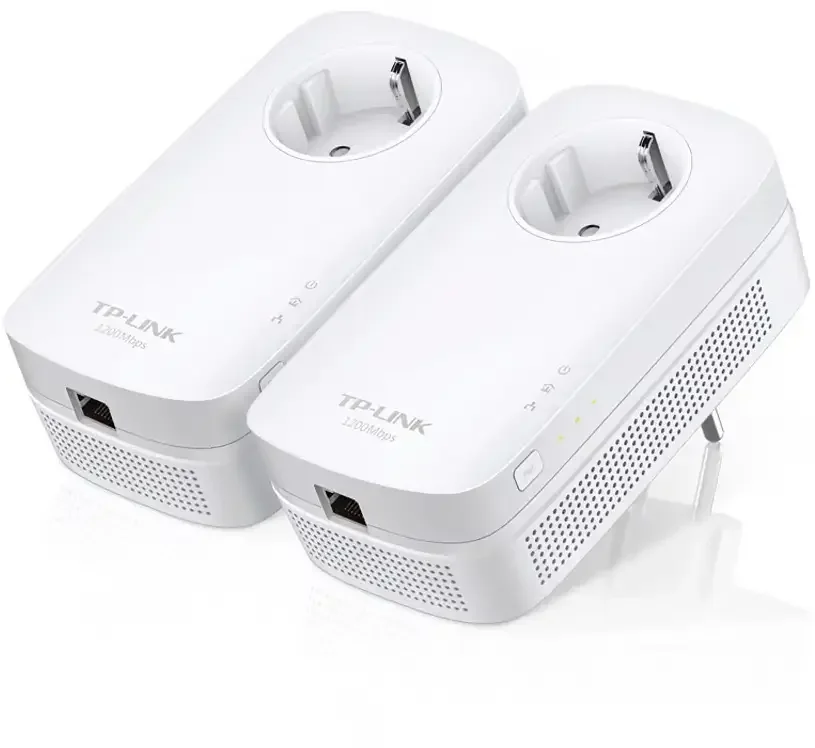
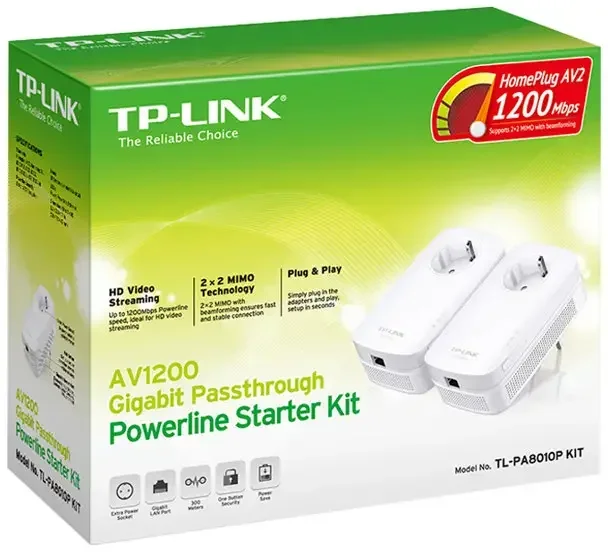


Powerline network adapter that sends internet through electrical installations
- Sends network through the building's existing power lines
- Up to 1300 Mbps connection between the adapters
- Gigabit network port for fast device connections
- Built-in power outlet so the wall socket can still be used
- Easy installation with no configuration
- Range up to 300 meters within the same building
This Powerline kit makes it possible to send internet through the building's existing electrical installations. You can therefore establish a stable network connection without running long network cables through walls and ceilings.
Just plug the adapters into separate power outlets and connect them to the router and your devices with network cables. The connection is then established automatically.
There is no reviews yet. Be the first to write us your opinion
Network through the building's electrical wiring
TL-PA8010P-KIT is a Powerline starter kit that makes it possible to establish a wired network connection via the building's power lines. It can be a practical solution in homes or buildings where it is difficult to run network cables.
The connection is established between the adapters through the power grid, so you can get network access in rooms where the router's signal normally doesn't reach.
Can be used for video surveillance
Powerline adapters can be a practical solution in installations with video surveillance where it's difficult to run network cables through the building.
For example, you can place a PoE switch in an outbuilding, a garage or another building and connect it to the main network via the Powerline adapters. Then the cameras can be connected to the switch as usual.
This means you can establish a stable network connection to surveillance equipment without having to dig cables or run long cables through buildings.
Internet through the power outlet
Powerline technology sends the network signal through the building's existing power lines. You connect one adapter to your router and plug it into a power outlet.
The other adapter is placed in the room where you want network access. Once it's powered, you can connect the device directly with a network cable.
The adapters must be on the same phase
For Powerline adapters to communicate correctly, they must be connected to the same electrical phase in the building.
In most homes, outlets in the same area will often be on the same phase, but in some installations different rooms can be distributed across multiple phases.
If the adapters are on different phases, the connection can be unstable or fail completely. In such cases, an electrician can often help place the adapters on the same phase.
Fast connection to network equipment
The adapter has a gigabit network port, which provides a stable and fast connection to equipment like a computer, TV, recorder or surveillance equipment.
That makes it suitable for tasks that require a stable connection, for example video streaming or network-based systems.
Range up to 300 meters
The connection can reach up to around 300 meters through the building's electrical wiring. That makes it possible to get network access in basements, garages or other rooms where wireless often has trouble reaching.
The actual range may vary depending on the building's electrical installation.
Built-in power outlet
The adapter has a built-in power outlet on the front. That means you can still use the wall socket for other electrical devices.
This way you don't lose a socket even when the adapter is connected.
Easy installation
The installation requires no special setup. You simply plug the adapters into power outlets and connect them with network cables to your equipment.
A button on the adapter makes it possible to quickly establish a secure connection between the devices.
Power-saving function
The adapter has a built-in power-saving function that automatically reduces power consumption when no data is being transmitted.
This can significantly reduce power consumption during periods when the network is inactive.
Accessories
The adapters are connected to the router and devices with standard network cables. Under the accessories tab you can see which network cables fit the installation.
You can also add more Powerline adapters if the network needs to be extended to more rooms.
Technical key points
- Model: TL-PA8010P-KIT
- Product type: Powerline network adapter kit
- Transmission speed: up to 1300 Mbps
- Network port: 1 × Gigabit Ethernet per adapter
- Standards: HomePlug AV1.1, HomePlug AV2.0, IEEE1901
- Encryption: 128 bit AES
- Range: up to 300 meters within the same building
- LED indicators: Power, Powerline, Ethernet
- Power consumption: max. 4.9 W
- Operating temperature: 0 °C to 40 °C
- Dimensions: 131 × 72 × 42 mm
- Weight: approx. 190 g per unit
- Certifications: CE, RoHS